
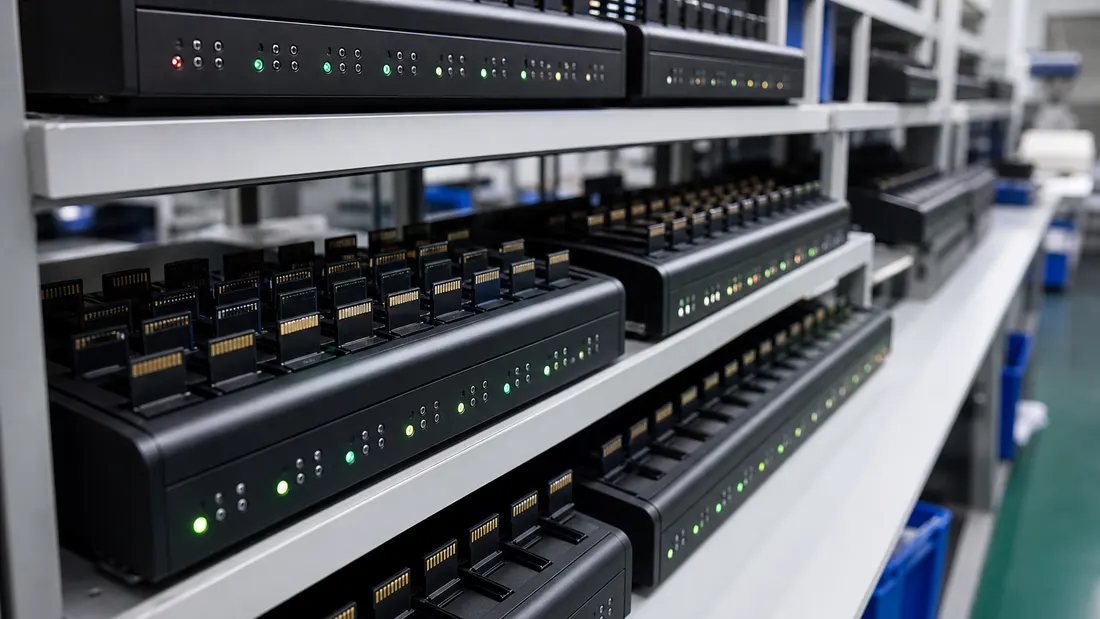
How to test microSD and USB drives for fake capacity
- A fake card is a small real chip with rewired firmware that reports a bigger size. It writes fine until you pass the true capacity, then silently overwrites earlier data — so a quick "copy a file, it works" check proves nothing.
- The only reliable test is a full write-and-verify: H2testw (Windows) or F3 (Mac/Linux) fills the whole card with known data and reads it back. Green/OK to the end = genuine; any "corrupted" or red = fake or failing.
- Read the numbers: a 128 GB card that returns "≈14.8 GB OK, rest corrupted" is a ~16 GB chip lying about its size. Real usable capacity is always a little under the label (128 GB → ~119 GiB), but it should never collapse to a fraction.
- Buy-side red flags before testing: pricing materially below current NAND economics, loose cards with no traceable part number, marketplace inventory with unclear chain of custody, and endurance or warranty claims with no test basis or terms.
Fake flash can pass a casual test by design. The card mounts, shows the advertised size and accepts the first files you copy. The fraud may surface only after later writes overwrite earlier data. Here is how the mechanism works, how to test the complete reported capacity and which procurement signals deserve scrutiny before a volume order.
What a fake card actually is
A counterfeit card is a small, cheap flash chip — often 8, 16 or 32 GB — with its controller firmware rewired to report a much larger size to the host [1]. The operating system believes the lie and lets you write up to the fake number.
The damaging part is what happens when you pass the real capacity. The card doesn't error out. It keeps the directory and file names intact, but the underlying data wraps around and overwrites what you wrote earlier [1]. So the first photos still appear in the file list — they just won't open. By the time you notice, the footage, the backup or the shoot is already gone, and usually the refund window with it.
This is why a quick check is worthless: copying one file, or even filling a quarter of the card, exercises only the genuine portion. The fraud lives in the gap between the claimed size and the real one.
The one test that works: write the whole card, read it back
Every reliable check does the same thing — fill the entire claimed capacity with known data, then read it all back and compare. If every byte returns intact, the capacity is real. If the back half comes back as garbage, you've found the chip's true size.
On Windows — H2testw [1]:
- Format the card (FAT32/exFAT) and make sure it's empty.
- Open H2testw, select the drive, choose all available space, click Write + Verify.
- Let it run to the end. A full card takes a while — budget on the order of an hour or more per 128 GB depending on real speed. Don't interrupt it.
- Read the result.
On macOS / Linux — F3 [2]: run f3write to fill the card, then f3read to verify. Same logic, same verdict.
On Android — SD Insight can expose identification data reported by the card, but that information can also be forged and is not proof of physical capacity. ValiDrive (Windows) [4] performs a faster sampled spot-check; use it for triage, not as a substitute for a full pass when acceptance depends on complete-address coverage.
How to read the result
The verdict is blunt:
| Result | Meaning |
|---|---|
| "Test finished without errors" — OK to the full size | Capacity and integrity are genuine. |
| e.g. "14.8 GB OK, 102 GB corrupted" on a 128 GB card | It's really a ~16 GB chip lying about its size. The OK number is the truth. |
| Errors scattered throughout | Failing or counterfeit flash — don't trust it with anything. |
One honest subtlety so you don't false-alarm: real usable capacity is always slightly below the label. A genuine "128 GB" card reports about 119 GiB because the industry counts 1 GB as 1,000,000,000 bytes while your OS counts in 1,073,741,824-byte GiB — that's normal, and we cover the math in why a 128 GB card shows 119 GB. A fake is nothing like that small gap; it collapses to a fraction of the label.
H2testw also prints the real read and write speed it measured. Compare that to the box. A card sold as "high speed" that verifies at single-digit MB/s write is either mislabeled or built on the cheapest flash — worth knowing even when the capacity is genuine. (For what the speed markings actually promise, see speed classes decoded.)
Read these red flags before you even buy
Testing catches a fake after it arrives. These signals catch it before money leaves your account:
- Price disconnected from current NAND economics. Treat a quote materially below comparable traceable supply as a reason for deeper verification, not as proof by itself. NAND pricing moves, so use current distributor and manufacturer references rather than a permanent dollar threshold.
- Loose card in a baggie from an unknown seller, no retail packaging, no part number you can look up on the maker's site.
- Unclear marketplace chain of custody. A genuine-looking listing does not establish which seller, lot or return stream supplied the unit. Record the seller, packaging, identifiers and lot information before testing.
- Warranty or endurance language without a test basis. Ask for the applicable workload, rated writes or recording hours where available, exclusions and the exact warranty term. Speed class alone is not endurance; for continuous recording, review high-endurance vs consumer microSD.
Where this leaves a B2B buyer
If you resell cards, a counterfeit or unstable lot creates both direct cost and downstream returns. The control is evidence: traceable source and lot identity, a defined sampling plan, full-capacity write/read verification on the selected samples, and a documented quarantine or rejection rule.
Use the microSD incoming-inspection checklist to turn the test into a repeatable lot-acceptance record. For a Kalstor OEM sourcing project, the sampling scope, test method, report availability and sample terms are confirmed for the quoted product before the order; buyer-side verification remains part of the acceptance process.
FAQ
Why isn't copying a few files enough to prove a card is real?
What does an H2testw result actually tell me?
Which tool should I use on Mac or Linux, or on a phone?
References
We publish measured usable capacity and welcome trial-batch verification — automotive-grade, direct from the source factory.